Watch how Anyline’s end-to-end vehicle and tire identification inspection workflow plays out.
TireBuddy
Turn Any Phone Into a Tire Scanner
Read the sidewall data and measure tread depth in seconds. Hand customers a visual report that turns your recommendation into an approved sale.
Anyline is trusted by





Anyline is trusted by
How TireBuddy Improves Service Lane Performance
Help service teams build customer trust and improve tire sales without the need for expensive hardware.

How TireBuddy Improves Service Lane Performance
Help service teams build customer trust and improve tire sales without the need for expensive hardware.
Consistent Inspection Quality
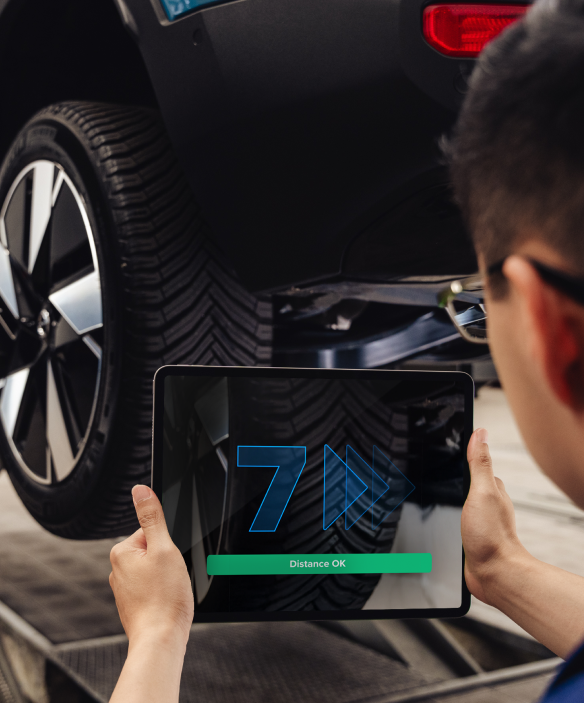
Ensure every inspection follows the same guided workflow across technicians and rooftops.
Customer-Ready Tire Reports
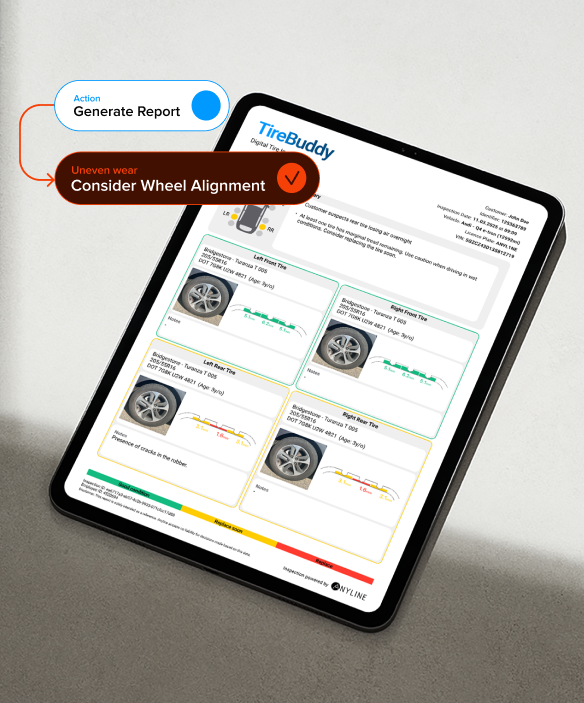
Generates visual tire reports with alerts that help service advisors explain tire condition and support confident replacement decisions.
No Extra Hardware
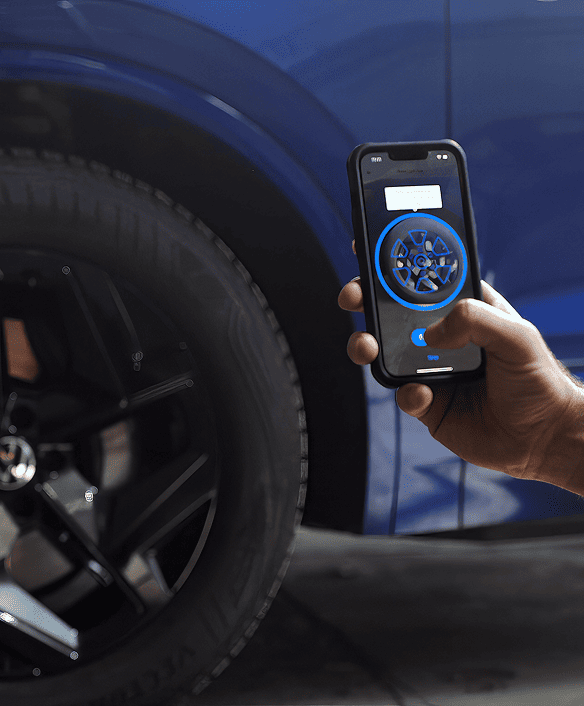
Run inspections on the smartphones your team already carries. No dedicated tools, no rollout cost.
Tire Age Warnings
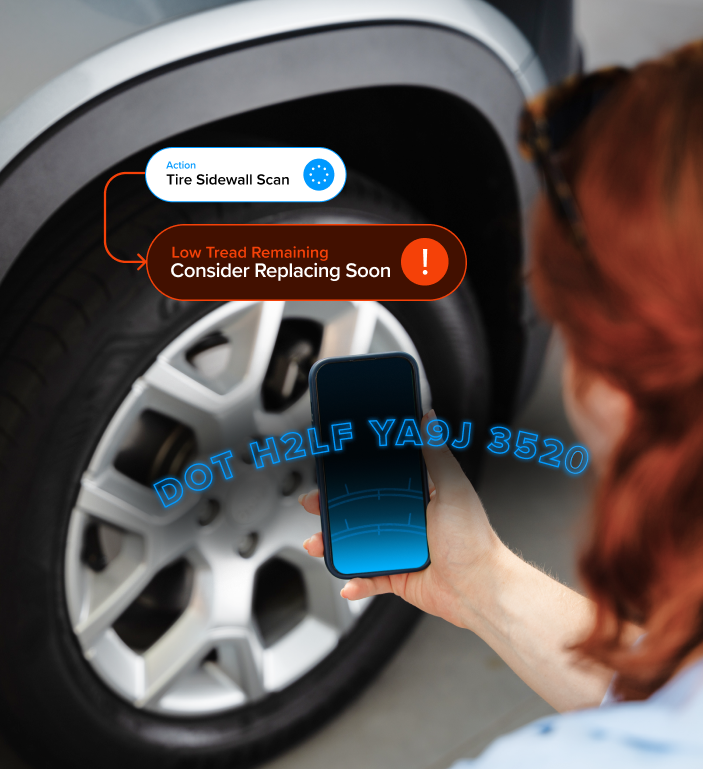
Capture DOT numbers to flag aging tires and surface recalls, protecting customers and reducing dealership liability.
TireBuddy Inspection Capabilities
Identify the vehicle, read the tire details, and measure tread depth in one guided workflow.

Vehicle Identification
Capture license plate, VIN, and odometer data to identify the vehicle and document every inspection check-in.

Tire Sidewall Scanning
Instantly capture tire brand, model, size, and DOT information directly from the sidewall.

Tire Tread Inspection
Measure tread depth across thousands of contact points, replacing manual gauges and dedicated hardware.
Digital Tire Inspection with TireBuddy
Walk through a complete tire inspection with Anyline’s TireBuddy App: identify the vehicle, capture the tire sidewall data, measure the tread depth and generate the inspection report.
Before you start
- It is interactive Tap the wheel to start the inspection.
- Scans are simulated No camera needed, runs on sample data.
- Start over anytime Refresh the page to start again.
Add the customer
Every inspection is tied to a customer, so the report carries their name. Shops that do not need this step can switch it off in the settings.
Identify the vehicle
License plate, VIN and odometer are scanned, not typed, which saves time and avoids errors on the report. Make, model, and year can be entered manually, and you decide in the settings which fields are required.
Choose a tire to inspect
The tire overview shows all four positions. Each tire is inspected in two steps: sidewall capture for the tire data, then tread depth measurement. Start with any tire.
Capture the tire sidewall
The technician aligns the tire in the overlay and holds the phone steady. On-screen feedback guides the distance and angle, and the capture happens automatically. No photo button, no retakes.
Tire details, filled in automatically
One capture of the sidewall gives you make, model, size, load and speed index, production date (DOT) and markings like 3PMSF or M+S. The technician only adds what the camera cannot see: damage, season and notes. Next step: tread depth.
Measure the tread depth
Align the tire shoulder with the overlay and tap the screen to start scanning. Move the phone slowly along the tread while the countdown runs.
Tread depth measured
The scan is processed in the background, so you can continue with the next tire right away. The result shows the depth of each tread groove.
All four tires inspected
Every tire is identified and measured. Finish the inspection to see the results for the whole vehicle and generate the report.
The tire inspection results
Each position shows the tread depth per groove on a color scale from good to worn, plus the identified tire data: production date (DOT), size, make and model. One screen to show the condition of all four tires.
About this demo: This is a shortened walkthrough of the TireBuddy App. The vehicle details and the remaining tires are filled in automatically for demo purposes. In the real app, every tire is scanned.
Tap the wheel to start.
Tap “Continue”.
Tap the pulsing icon next to “License Plate”.
Tap the pulsing icon next to “VIN”.
VIN scanned.
Odometer, case ID and vehicle details are sample data for this demo, not read from the VIN. Tap “Continue”.
Wait while the license plate is scanned.
Wait while the VIN is scanned.
Tap the pulsing “LF” card to start with the left front tire.
Wait while the sidewall data is captured.
Tap “Measure tread” to continue.
Wait while the phone turns.
Tap anywhere on the screen.
Wait while the tread is scanned.
Wait a moment for the tread values.
Tap “Continue” to go on with the inspection.
The remaining tires are filled in with sample data for this demo.
Tap “Finish inspection” to see the results.
Tap “Download report” to open the PDF report.



Digital Tire Inspection
ANY L1NE
WVWZZZ1KZDW**13*3
0/500


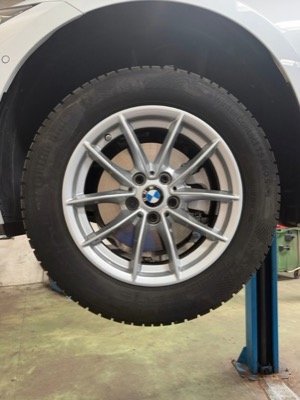
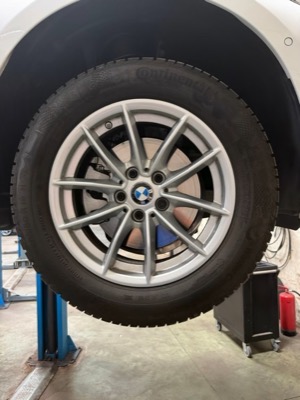
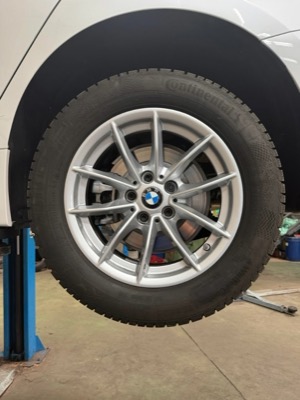
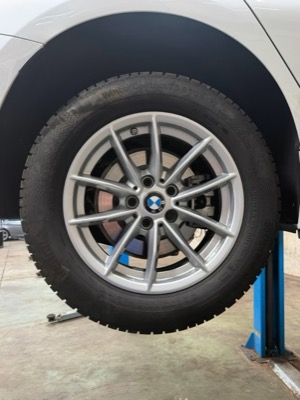
Almost done!
Your tire scan is almost complete.
Step 1/2 completed
Tire Identification
Repeat full capture
Continental
WINTERCONTACT TS 860 S
2025/09
![]()

Width205
Ratio60
Constr.R
Rim16
Load96
SpeedH
Runflat
✓ Extra load
✓ 3PMSF
✓ M+S
UnknownAll SeasonSummerWinter
No damage
No damage
Tire Identification
Repeat full capture
Continental
WINTERCONTACT TS 860 S
2025/09
![]()
Width205
Ratio60
Constr.R
Rim16
Load96
SpeedH
Runflat
✓ Extra load
✓ 3PMSF
✓ M+S
UnknownAll SeasonSummerWinter
No damage
No damage
Tire Identification
Repeat full capture
Continental
WINTERCONTACT TS 860 S
2025/09
![]()
Width205
Ratio60
Constr.R
Rim16
Load96
SpeedH
Runflat
✓ Extra load
✓ 3PMSF
✓ M+S
UnknownAll SeasonSummerWinter
No damage
No damage
Tire Identification
Repeat full capture
Continental
WINTERCONTACT TS 860 S
2025/09
![]()
Width205
Ratio60
Constr.R
Rim16
Load96
SpeedH
Runflat
✓ Extra load
✓ 3PMSF
✓ M+S
UnknownAll SeasonSummerWinter
No damage
No damage
Tire Tread
Scan again
Processing…
7.0
6.3
6.5
7.4
6.5
7.5
6.7
7.0
6.7
6.8
6.8
6.6
Input here
0/500
Rotate your device horizontally
Make sure your device’s auto-rotate feature is enabled.
Uploading
LF
Tread Measurement
7.0 | 6.3 | 6.5
mm
Not measured
Tire Identification
Not inspected
2025/09
205/60 R 16 96H XL
Continental
WinterContact TS 860 S
205/60 R 16 96H XL
Continental
WinterContact TS 860 S
RF
Tread Measurement
7.4 | 6.5 | 7.5
mm
Not measured
Tire Identification
Not inspected
2025/09
205/60 R 16 96H XL
Continental
WinterContact TS 860 S 2025/09
205/60 R 16 96H XL
Continental
WinterContact TS 860 S
205/60 R 16 96H XL
Continental
WinterContact TS 860 S 2025/09
205/60 R 16 96H XL
Continental
WinterContact TS 860 S
LR
Tread Measurement
6.7 | 7.0 | 6.7
mm
Not measured
Tire Identification
Not inspected
2025/09
205/60 R 16 96H XL
Continental
WinterContact TS 860 S 2025/09
205/60 R 16 96H XL
Continental
WinterContact TS 860 S
205/60 R 16 96H XL
Continental
WinterContact TS 860 S 2025/09
205/60 R 16 96H XL
Continental
WinterContact TS 860 S
RR
Tread Measurement
6.8 | 6.8 | 6.6
mm
Not measured
Tire Identification
Not inspected
2025/09
205/60 R 16 96H XL
Continental
WinterContact TS 860 S 2025/09
205/60 R 16 96H XL
Continental
WinterContact TS 860 S
205/60 R 16 96H XL
Continental
WinterContact TS 860 S 2025/09
205/60 R 16 96H XL
Continental
WinterContact TS 860 S
Want access to the TireBuddy app?
Want access to the TireBuddy app?
Book a meeting with our team to get:
- Free access to the app for 7 days
- Quick training
- Answers to your questions
Our experts speak: English, German, Italian, French and Spanish.
You’re just one step away. Set up your onboarding to get started.
Trusted by Tire Experts Worldwide

Trusted by Tire Experts Worldwide
Frequently Asked Questions
TireBuddy is available for Android and iOS.
For iOS, we recommend the iPhone SE (3rd Gen), iPhone 11, and above. For Android, we recommend the Samsung Galaxy A53, Galaxy S10, Galaxy S21, Galaxy S23, and Google Pixel 5 and above. If your device is not mentioned, we still encourage you to contact us so we can find out if it would be suitable.
You don’t need an integration to start: the TireBuddy App works on its own from day one. Anyline’s tire inspection technology is also built into several automotive software platforms, including DVI, VHC, MPI and tire-storage systems. If you already use one of them, you can run inspections inside that tool, without additional hardware or workflow changes. For other systems, the TireBuddy ToolKit (SDK) lets your software provider or IT team build it in.
Tires are not GDPR relevant since no personal data is displayed on the tire sidewall, but Anyline is GDPR compliant for any personal data we process. Furthermore, Anyline has received the ISO/IEC 27001:2013 certification, a globally recognized, international standard for information security.
The Tire Tread Report is a digital summary generated instantly after each TireBuddy inspection. It includes:
- A diagram of all four tires with tread depth readings per zone
- Color-coded warnings for low tread
- Tire age, DOT data, make and model
- Technician notes and visual scan overlays
- A summary of key issues detected
You can share the report as a PDF with your customer to visually explain tire conditions, build trust, and get faster approvals.
Want to see how it looks? Check it here
Anyline can scan tires for both passenger vehicles and vans.
Yes. For enterprise teams looking to roll out mobile tire tread inspections without delay, TireBuddy offers a ready-to-use solution that works out of the box. For organizations looking to scale across their network and integrate directly into their own apps, systems, and workflows, our Tire Tread Scanning SDK is built for exactly that.