


Real Customer Results
Increase profits and grow market share, just like 200+ of our global customers

Capture Data Smarter and Scale Faster with AI
From a single enterprise solution to a fully customized platform, Anyline delivers the intelligence and scalability to transform operations and drive growth.
Trusted By Fortune 500 Companies and 200+ Global Customers


















Walk through a complete tire inspection with Anyline’s TireBuddy App: identify the vehicle, capture the tire sidewall data, measure the tread depth and generate the inspection report.
Before you start
Add the customer
Every inspection is tied to a customer, so the report carries their name. Shops that do not need this step can switch it off in the settings.
Identify the vehicle
License plate, VIN and odometer are scanned, not typed, which saves time and avoids errors on the report. Make, model, and year can be entered manually, and you decide in the settings which fields are required.
Choose a tire to inspect
The tire overview shows all four positions. Each tire is inspected in two steps: sidewall capture for the tire data, then tread depth measurement. Start with any tire.
Capture the tire sidewall
The technician aligns the tire in the overlay and holds the phone steady. On-screen feedback guides the distance and angle, and the capture happens automatically. No photo button, no retakes.
Tire details, filled in automatically
One capture of the sidewall gives you make, model, size, load and speed index, production date (DOT) and markings like 3PMSF or M+S. The technician only adds what the camera cannot see: damage, season and notes. Next step: tread depth.
Measure the tread depth
Align the tire shoulder with the overlay and tap the screen to start scanning. Move the phone slowly along the tread while the countdown runs.
Tread depth measured
The scan is processed in the background, so you can continue with the next tire right away. The result shows the depth of each tread groove.
All four tires inspected
Every tire is identified and measured. Finish the inspection to see the results for the whole vehicle and generate the report.
The tire inspection results
Each position shows the tread depth per groove on a color scale from good to worn, plus the identified tire data: production date (DOT), size, make and model. One screen to show the condition of all four tires.
Ready to try it yourself?
Book a call with our solution experts to see how TireBuddy fits into your shop. Or share this demo with your colleagues.
About this demo: This is a shortened walkthrough of the TireBuddy App. The vehicle details and the remaining tires are filled in automatically for demo purposes. In the real app, every tire is scanned.
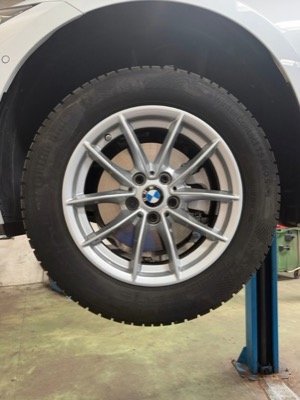
Tap the wheel to start.
Tap “Continue”.
Tap the pulsing icon next to “License Plate”.
Tap the pulsing icon next to “VIN”.
VIN scanned.
Odometer, case ID and vehicle details are sample data for this demo, not read from the VIN. Tap “Continue”.
Wait while the license plate is scanned.
Wait while the VIN is scanned.
Tap the pulsing “LF” card to start with the left front tire.
Wait while the sidewall data is captured.
Tap “Measure tread” to continue.
Wait while the phone turns.
Tap anywhere on the screen.
Wait while the tread is scanned.
Wait a moment for the tread values.
Tap “Continue” to go on with the inspection.
The remaining tires are filled in with sample data for this demo.
Tap “Finish inspection” to see the results.
Tap “Download report” to open the PDF report.
Want to try TireBuddy yourself? Tap “Book a Call”.



With Anyline, we’re not just keeping up, we’re leading the way. We’ve given our technicians tools that make inspections smarter, and our service more transparent and efficient than ever.

With Anyline, we’re not just keeping up, we’re leading the way. We’ve given our technicians tools that make inspections smarter, and our service more transparent and efficient than ever.
Our new tire inspection solution is a game-changer for our people and will help further our assurance to our customers that we are taking care of their safety by providing the best possible service and most accurate tire readings.

Our new tire inspection solution is a game-changer for our people and will help further our assurance to our customers that we are taking care of their safety by providing the best possible service and most accurate tire readings.
We are always looking to improve and innovate to enhance customer experiences and streamline service center operations. Another example of that is how we are digitizing VIN information with Anyline’s mobile data capture solutions.

We are always looking to improve and innovate to enhance customer experiences and streamline service center operations. Another example of that is how we are digitizing VIN information with Anyline’s mobile data capture solutions.
The integration of Anyline’s scanning technology has significantly improved our software’s efficiency and accuracy, making it easier for our customers to manage their operations. By automating data collection, we are helping auto repair shops streamline their processes and focus on providing exceptional service.

The integration of Anyline’s scanning technology has significantly improved our software’s efficiency and accuracy, making it easier for our customers to manage their operations. By automating data collection, we are helping auto repair shops streamline their processes and focus on providing exceptional service.
By introducing real-time tyre scanning, we’ve improved accuracy, speed and traceability across our operations. For our customers, it means greater visibility, faster reporting and increased confidence in the integrity of their stock.”

By introducing real-time tyre scanning, we’ve improved accuracy, speed and traceability across our operations. For our customers, it means greater visibility, faster reporting and increased confidence in the integrity of their stock.”
Data Capture for Automotive and Beyond
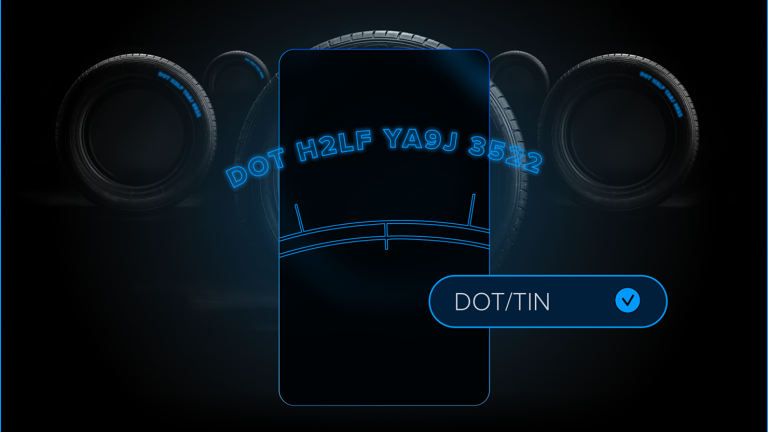
Digitize tire identification quickly and accurately with a smartphone.
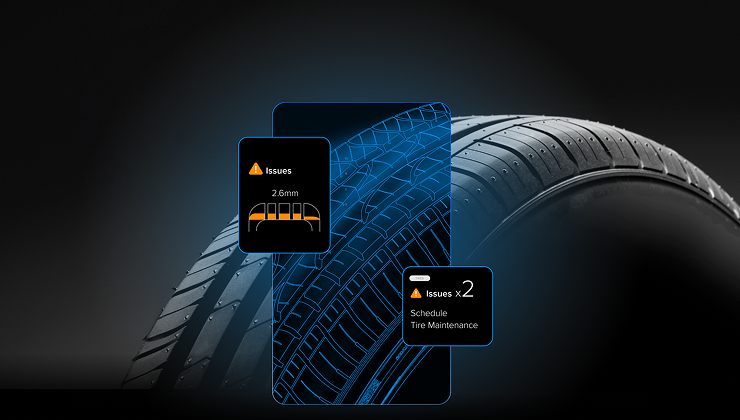
Measure tire tread depth at scale directly with a mobile.
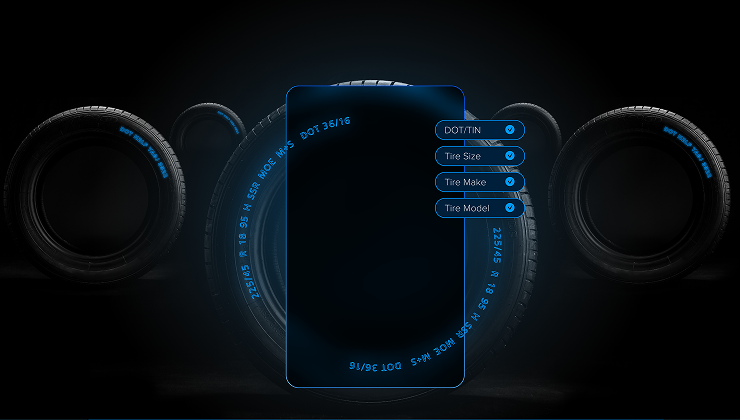
Tire safety done the fast and easy way, using your mobile phone.
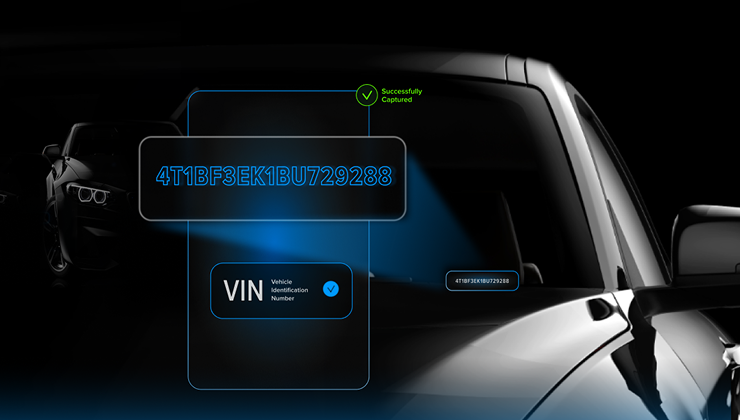
Identify vehicles in seconds to reduce errors and accelerate operations.

Capture license plate data instantly using mobile-based recognition.
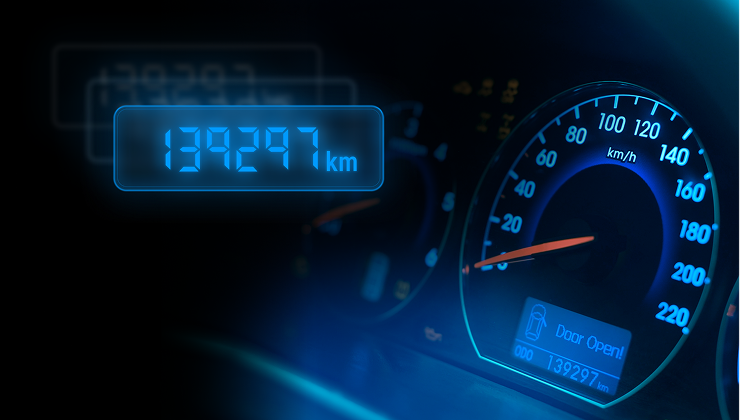
Extract mileage values from vehicle dashboards instantly via mobile.